
xpenser blog
Read xpenser product updates about self-hosted personal finance tracking, open-source expense workflows, API access, MCP tools, and release notes.
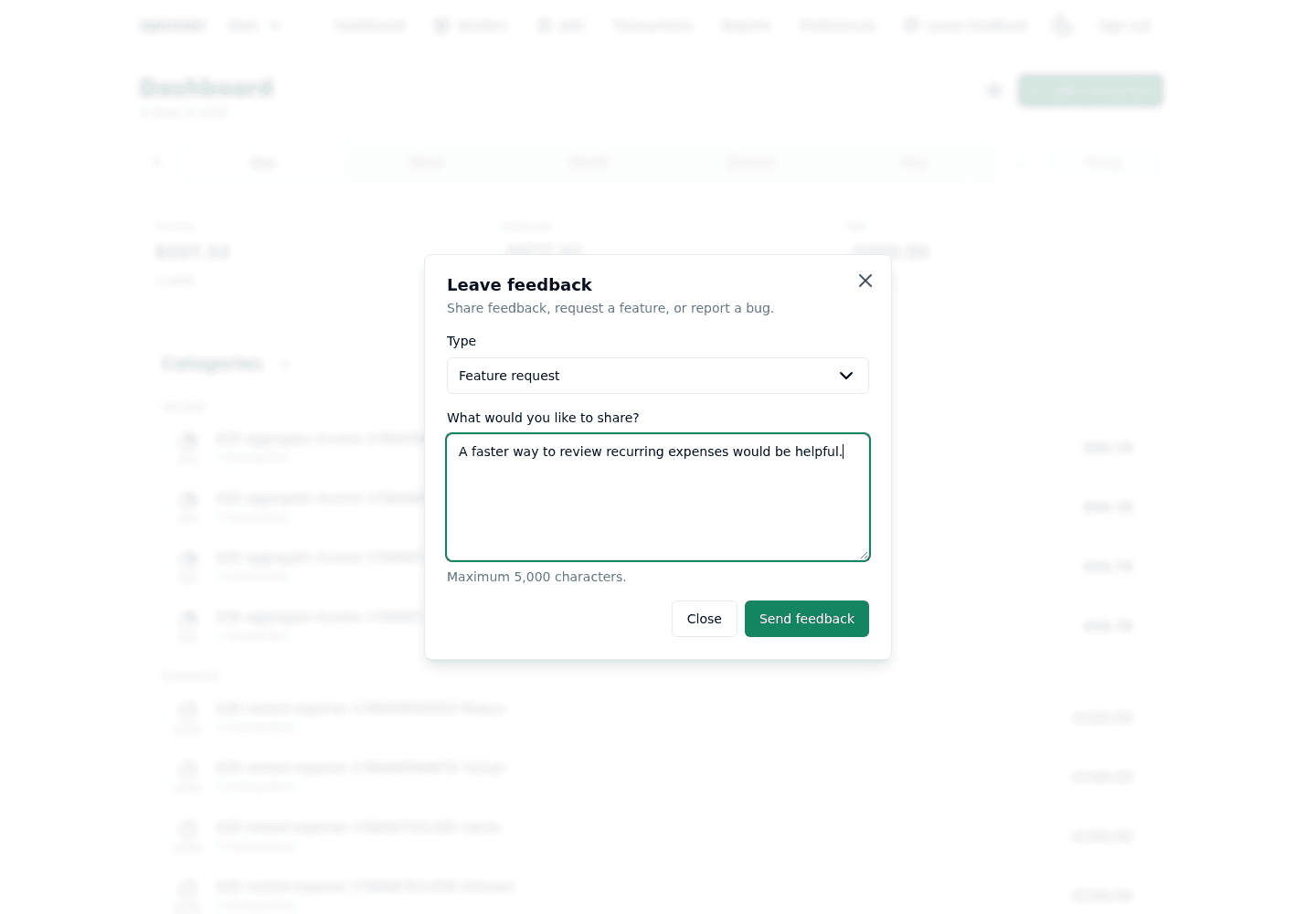
Leave feedback from the xpenser navigation
xpenser added an optional in-app feedback form that sends feedback, feature requests, and bug reports to a server-side n8n webhook.
TypeScript 7 migration: xpenser build-time results
See how xpenser migrated its TypeScript monorepo to TypeScript 7.0.2, solved toolchain gaps, and measured compiler and build-time gains.
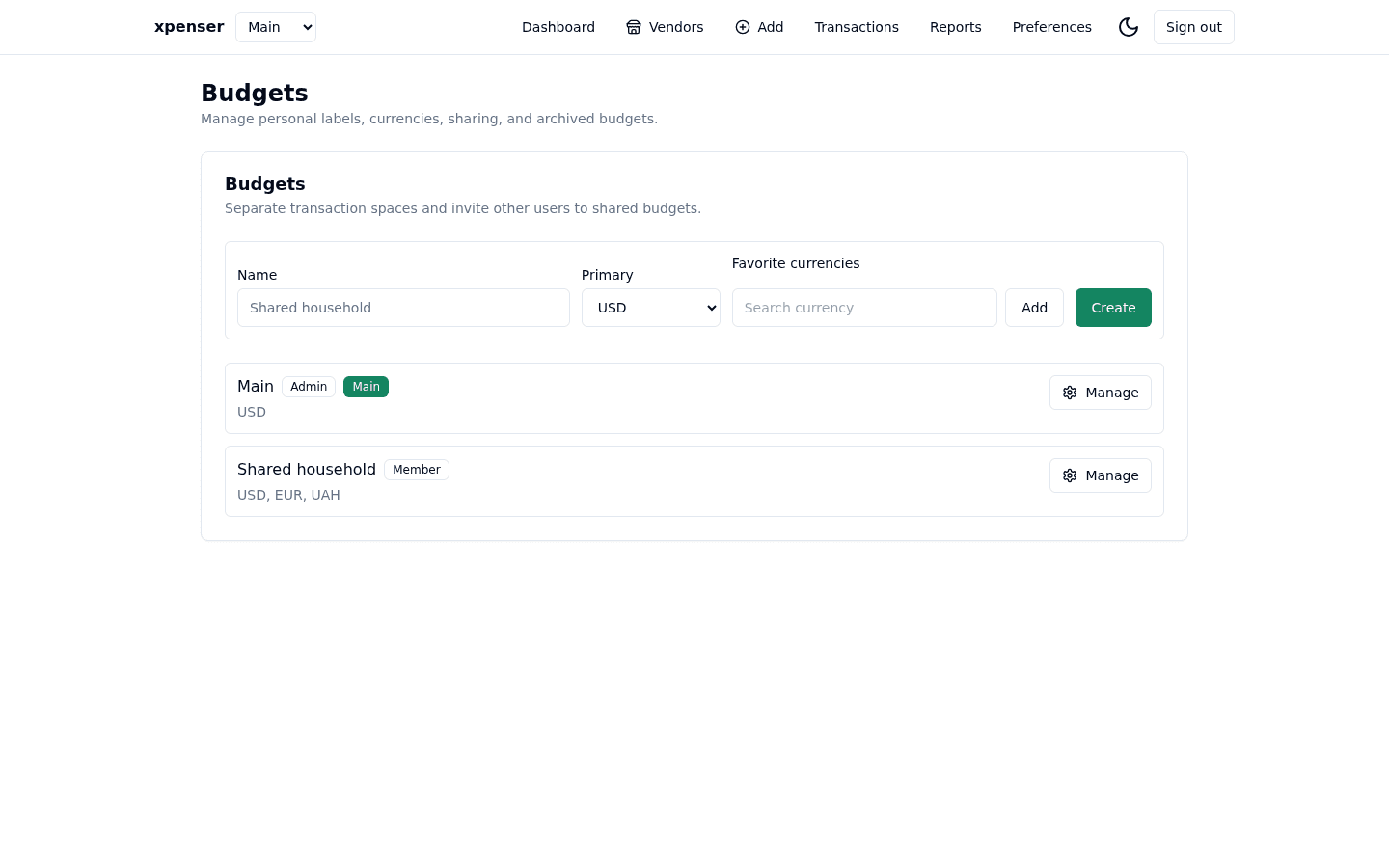
xpenser shared budgets separate transactions, permissions, currencies, reports, API workflows, and member attribution for collaborative finance tracking.
Cleverbrush Framework 4.4.0 adoption in xpenser
xpenser adopted Cleverbrush Framework 4.4.0 to simplify configuration, cache invalidation, database access, and MCP transport code.
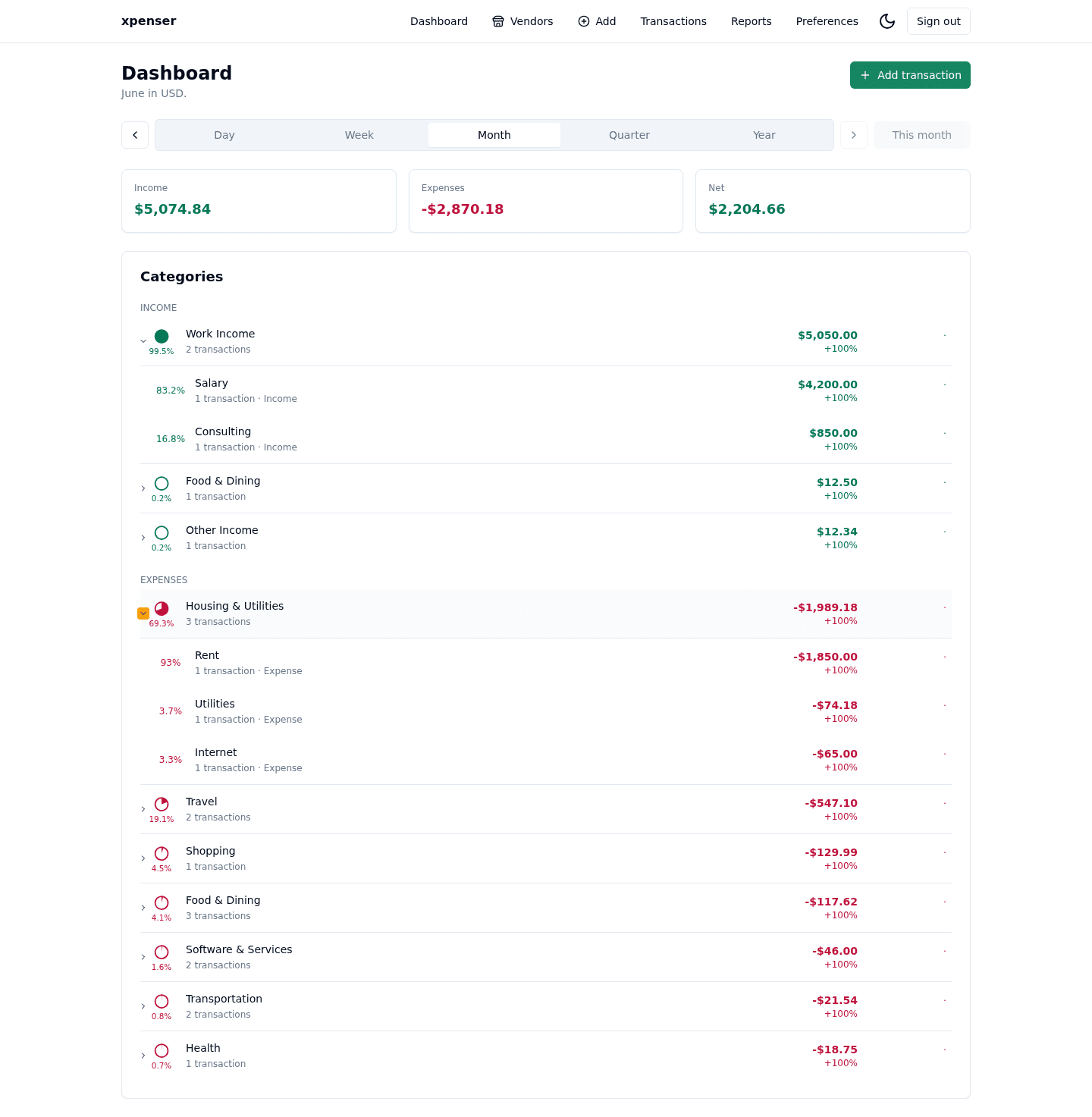
Hide amounts mode for finance privacy
xpenser added a Hide amounts mode that masks exact money values while keeping percentages and relative report context visible.
Period-aware transaction navigation
xpenser now carries the selected dashboard, vendor, or report period into transaction filters when users open the transactions view.
Tag report transaction drilldowns
xpenser tag reports now link each tag directly to the filtered transactions behind that tag for the selected reporting period.
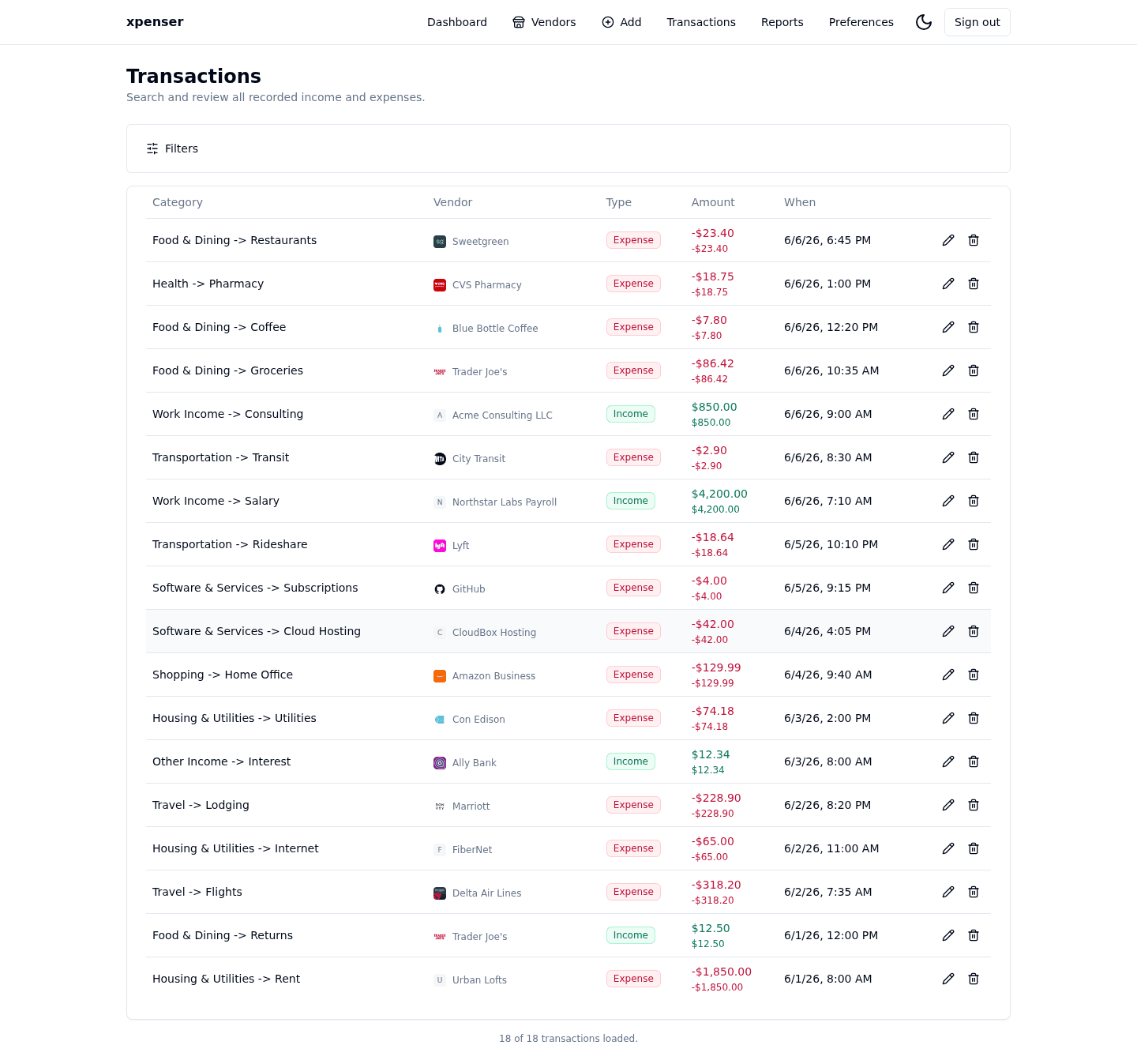
Transaction CSV export with currency columns
xpenser added transaction CSV export with selectable currency columns and historical conversion for each exported transaction.
Dashboard and vendor view controls
xpenser added dashboard and vendor view controls for expand/collapse actions and display-currency selection from one settings menu.
Markdown blog workflow for xpenser feature releases
xpenser now keeps product release notes in a Git-backed Markdown blog so feature PRs can publish crawlable updates for personal finance keywords.
Google Tag Manager disabled in PR environments
xpenser added a DISABLE_GTM flag and set it for PR previews so validation traffic no longer emits production analytics events.
Logout now returns to the public home page
xpenser now sends manual logout back to the public home page and adds clearer sign-in calls to action on the landing page.
Pinned PR Google auth deployment settings
xpenser pinned PR-environment Google auth settings so preview deployments keep using Passport with the expected callback paths.
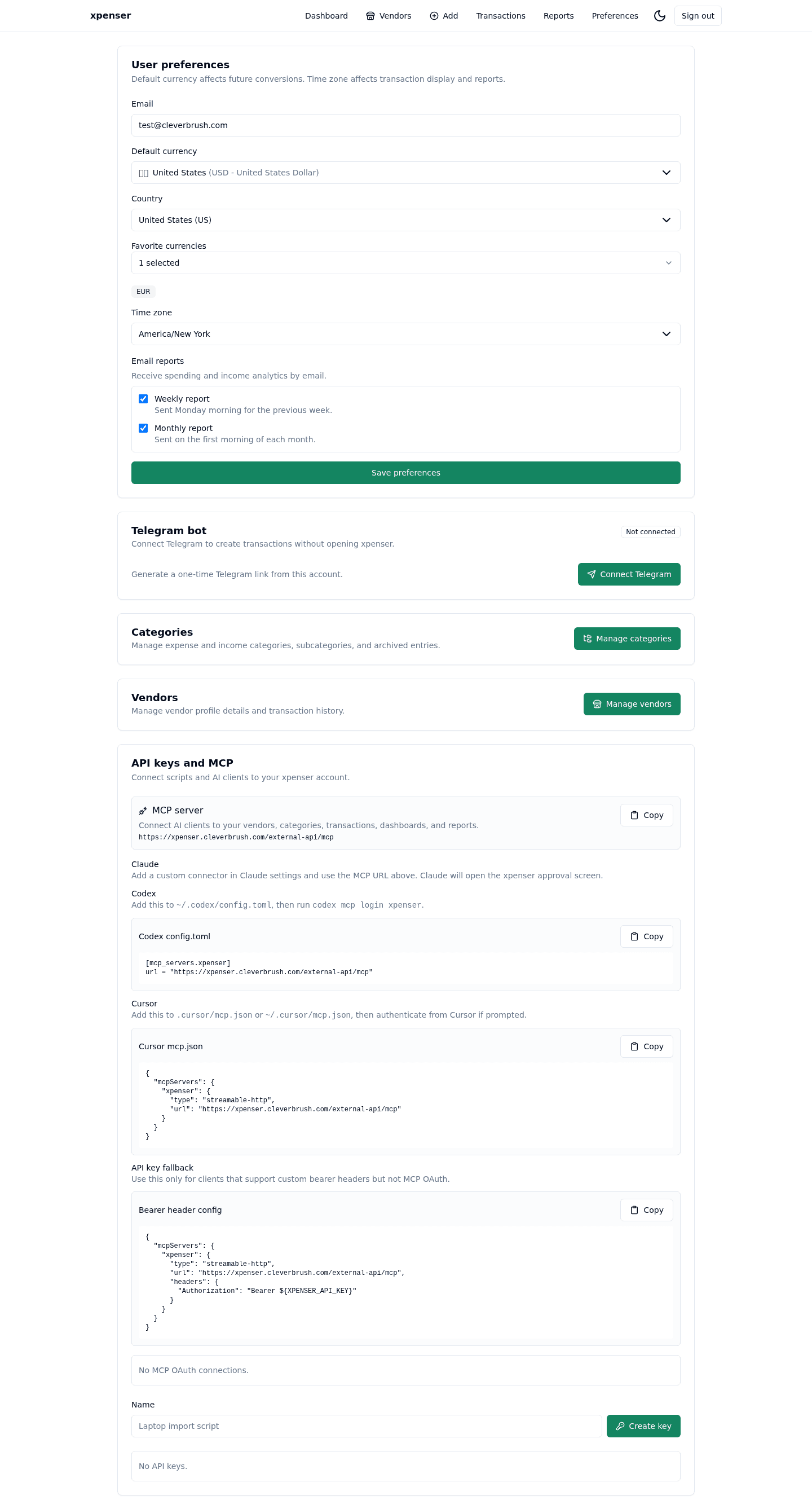
Single-user mode for self-hosted xpenser
xpenser added an opt-in single-user self-hosted mode that skips account creation while keeping API and MCP access authenticated.
Public API docs and landing-message polish
xpenser added public API documentation and polished landing messaging so developers can inspect the finance API before integrating.
ScrollLaunch badge for public discovery
xpenser added a ScrollLaunch badge to the footer to support launch discovery for the self-hosted personal finance app.
Fixed browser transaction scan progress
xpenser fixed browser image scan progress by replacing the unsupported proxy WebSocket path with same-origin HTTP polling.
Easy Dofollow badge in the public footer
xpenser added an Easy Dofollow badge to the footer as another public discovery signal for the open-source finance app.
Tiny Startups badge for xpenser discovery
xpenser added a Tiny Startups badge to the footer to support product discovery and backlink growth for the public site.
Huzzler badge in the xpenser footer
xpenser added a Huzzler badge to the footer so visitors can discover the product from another startup and software directory.
Transaction tags for flexible finance organization
xpenser added transaction tags so users can organize finance records beyond categories, vendors, and reporting periods.
Nested report breakdowns for finance analysis
xpenser added nested report breakdowns so category hierarchy can be used for richer income and expense analysis.
Telegram notifications for PR readiness
xpenser added PR-ready Telegram notifications so completed workflow runs can announce validated pull requests to the project channel.
Fixed hosted Google login button behavior
xpenser fixed hosted Google login button behavior so the public sign-in route sends users through the expected authentication path.
Period change percentages for finance reports
xpenser added period change percentages so dashboards and reports can show how income and expenses moved versus prior periods.
Fixed vendor share sorting
xpenser fixed vendor share sorting so merchant analytics keep their percentages ordered predictably during finance review.
SEO landing pages for xpenser
xpenser added public SEO landing pages for self-hosted finance tracking, open-source expense tracking, and API/MCP use cases.
Fixed empty-area report swiping
xpenser fixed report swipe behavior so mobile users can change periods from empty areas without awkward gesture gaps.
Reviewed launch checklist follow-ups
xpenser reviewed launch checklist follow-ups so repository, website, and support surfaces stayed aligned before wider sharing.
Fixed the GitHub issue-template questions link
xpenser updated its GitHub issue chooser so questions and ideas point to an enabled feature request form instead of disabled Discussions.
Refined launch checklist copy
xpenser broadened README and landing copy from a spreadsheet replacement story to a clearer income and expense tracking message.
Launch blockers fixed in README and landing copy
xpenser fixed launch blockers in README and landing-page copy so public evaluation starts with clearer product framing.
Cleverbrush reference hardening for xpenser
xpenser hardened its Cleverbrush Framework reference implementation so the app remains a stronger example project and product.
MCP OAuth setup instructions
xpenser added setup guidance for MCP OAuth so developers can connect authorized finance tools with less configuration guesswork.
MCP write tools for finance data
xpenser added MCP write tools so connected agents can do more than read finance data when users authorize the workflow.
Open-source readiness improvements
xpenser improved repository readiness so the open-source project is easier to evaluate, run, and understand from GitHub.
Self-hosted Google authentication support
xpenser added self-hosted Google authentication support so private deployments can offer a familiar sign-in path when configured.
Telegram invoice scanning for transactions
xpenser added Telegram invoice scanning so users can send invoice images and turn them into transaction data through the bot flow.
Browser image scanner for transactions
xpenser added a browser transaction image scanner so users can extract expense details from receipt-like images in the web app.
Merchant information for expense analysis
xpenser added merchant information support so expenses can be analyzed by where money was spent, not only by category.
Validation fixes for vendor editing
xpenser tightened vendor edit validation so merchant records stay consistent when users update vendor information.
Transaction notes in report workflows
xpenser improved report workflows with transaction notes so finance analysis can preserve context beyond amount, date, and category.
Category hierarchy for finance data
xpenser added category hierarchy support so users can organize income and expense data with more structure than a flat list.
Form renderer variants for xpenser UI
xpenser added form renderer variants to support richer finance app screens while keeping repeated form behavior consistent.
Configurable weekly and monthly email reports
xpenser added weekly and monthly email reports with aggregate finance insights, delivery tracking, and reusable OpenAI and email helpers.
xpenser updated its PR workflow so future pull requests preserve the original request, detailed reasoning, validation, and screenshot evidence.
Email confirmation for xpenser accounts
xpenser added email confirmation support so account creation can verify addresses before users rely on the finance app.
Google session token refresh for the web app
xpenser fixed Google session expiry by refreshing the embedded API token from the trusted web session before protected calls fail.
Category trend charts for expense reports
xpenser added category trend reports with configurable timeframes, bucket density guards, category switching, and transaction drilldowns.
Dashboard totals now link to transaction filters
xpenser dashboard income and expense totals now link directly to filtered transactions for the selected reporting period.
Category share pies on the dashboard
xpenser added pie indicators to dashboard category rows so users can scan each category share of income or expense totals.
Mobile quick capture for expense entry
xpenser added a compact mobile capture route for amount-first transaction entry, category chips, undo, and PWA shortcut support.
Preloaded dashboard and report periods
xpenser now preloads adjacent dashboard and report periods so users can move between time windows with less waiting.
xpenser now orders add-transaction categories by recent popularity, keeping the most likely expense categories close at hand.
Verification for longer-lived user sessions
xpenser verified extended user sessions and improved Playwright selectors so the PR validation flow checks authenticated app access reliably.
More consistent PR workflow documentation
xpenser aligned PR workflow documentation and agent interface guidance so implementation work follows a clearer review path.
Public landing page for xpenser
xpenser replaced the signed-out redirect with a public landing page that explains the product before users create or enter an account.
xpenser updated Docker Compose restart policies so long-running services recover automatically after a self-hosted server reboot.
Cleaner transaction edit selectors
xpenser improved transaction edit selectors so type, category, and currency choices stay aligned when users update existing records.
A finance-themed favicon for xpenser
xpenser added a finance-themed app favicon using Next.js app-router metadata so the web app is easier to recognize in browser tabs.
Recent-use currency ordering for transactions
xpenser now orders transaction currencies by recent use, making multi-currency expense entry faster in the web app and Telegram flow.
Timezone-aware expense tracking in xpenser
xpenser added IANA timezone support so transaction filters, preferences, and formatted dates match each user local finance workflow.
Start hosted, then self-host when ready
Create a hosted xpenser account for the public instance, or review the MIT licensed source and run your own deployment from Docker Compose.