
MCP OAuth setup instructions
xpenser added setup guidance for MCP OAuth so developers can connect authorized finance tools with less configuration guesswork.
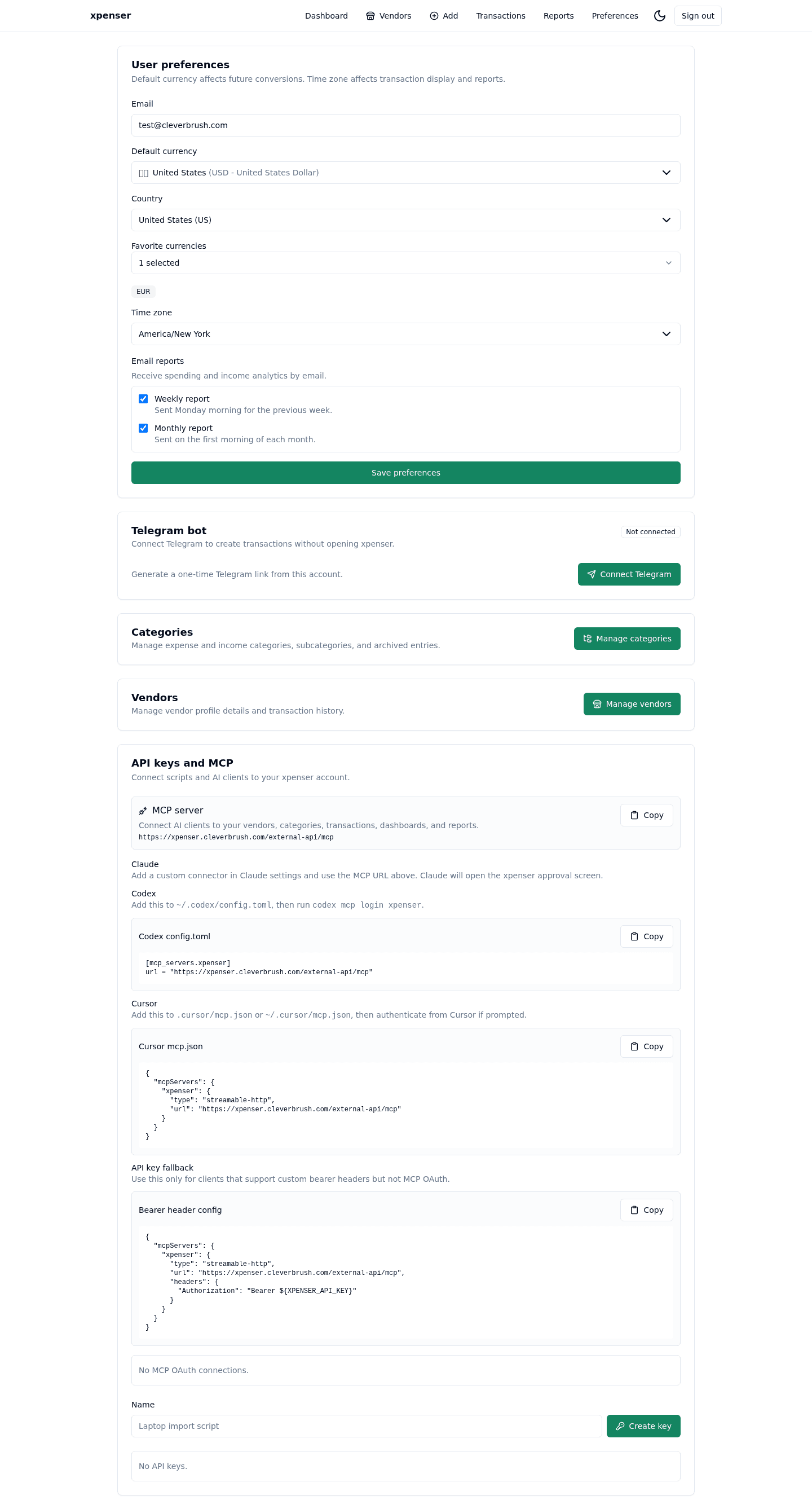
The MCP integration became easier to set up by documenting the OAuth path around xpenser finance tools.
This release came from PR #30 and is now part of the xpenser release archive. It gives people evaluating an open-source expense tracker a clearer view of how the product has improved over time.
What changed
- Added MCP OAuth setup instructions.
- Clarified how clients connect to xpenser authorization.
- Improved developer-facing guidance for API and agent workflows.
Why it matters
Agent integrations need clear authorization setup. Documentation reduces misconfiguration and makes xpenser easier to test as an API-backed finance app.
Where it fits
This directly supports the personal finance API and MCP page and developer onboarding.
For a broader product overview, start with the xpenser home page. Developers can also explore the personal finance API and MCP tools, while self-hosters can review the self-hosted personal finance tracker page.