
Preloaded dashboard and report periods
xpenser now preloads adjacent dashboard and report periods so users can move between time windows with less waiting.
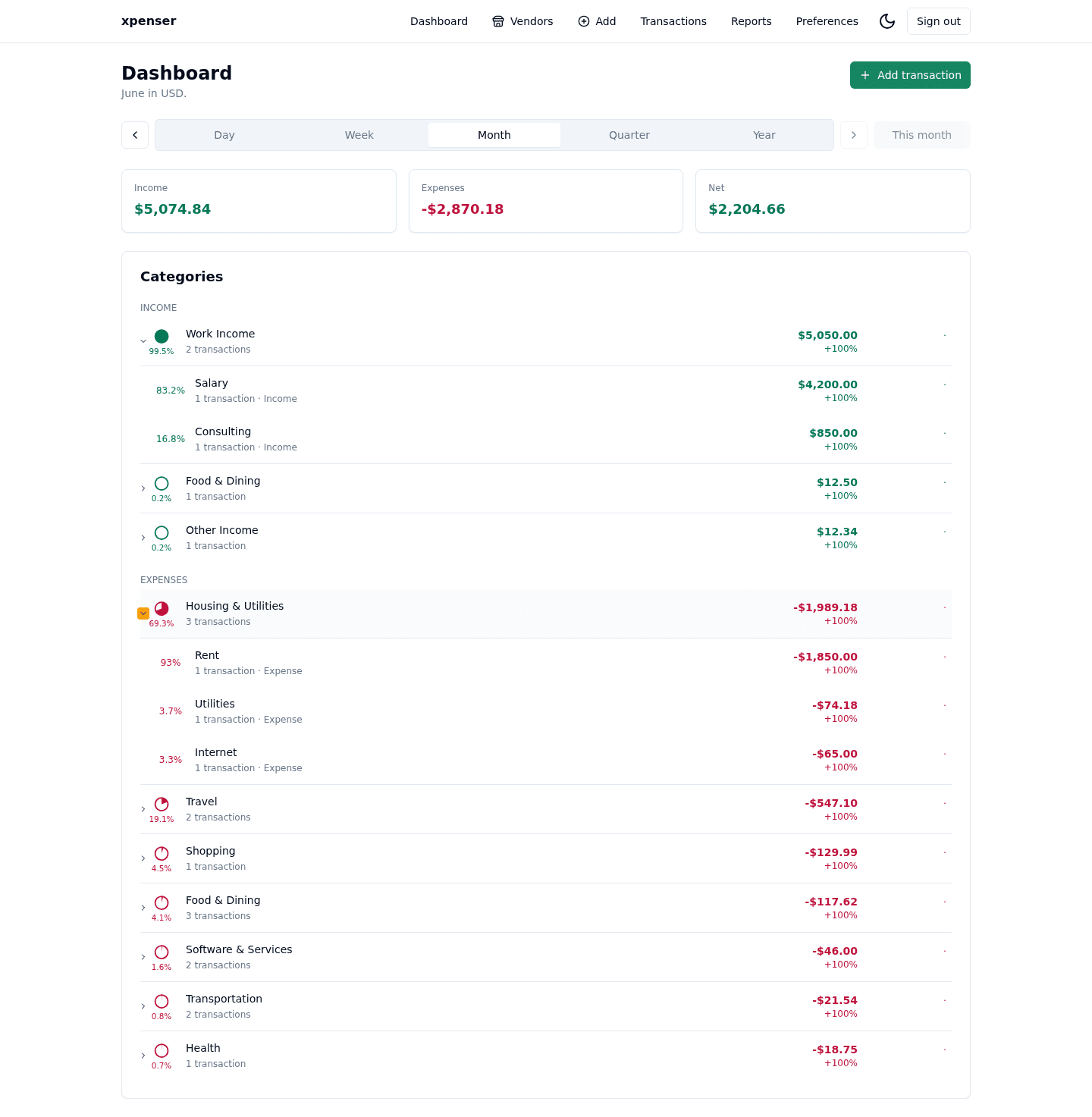
Period navigation became smoother by fetching nearby dashboard and report windows before users need them.
This release came from PR #12 and is now part of the xpenser release archive. It gives people evaluating an open-source expense tracker a clearer view of how the product has improved over time.
What changed
- Added dashboard and stats window APIs for adjacent period payloads.
- Aggregated window data server-side.
- Moved dashboard and reports navigation into cached client explorers.
Why it matters
Finance analysis often means moving from this month to last month and back again. Preloaded windows make that exploration feel immediate.
Where it fits
This strengthens dashboard and reports performance for recurring review workflows.
For a broader product overview, start with the xpenser home page. Developers can also explore the personal finance API and MCP tools, while self-hosters can review the self-hosted personal finance tracker page.