
Fixed empty-area report swiping
xpenser fixed report swipe behavior so mobile users can change periods from empty areas without awkward gesture gaps.
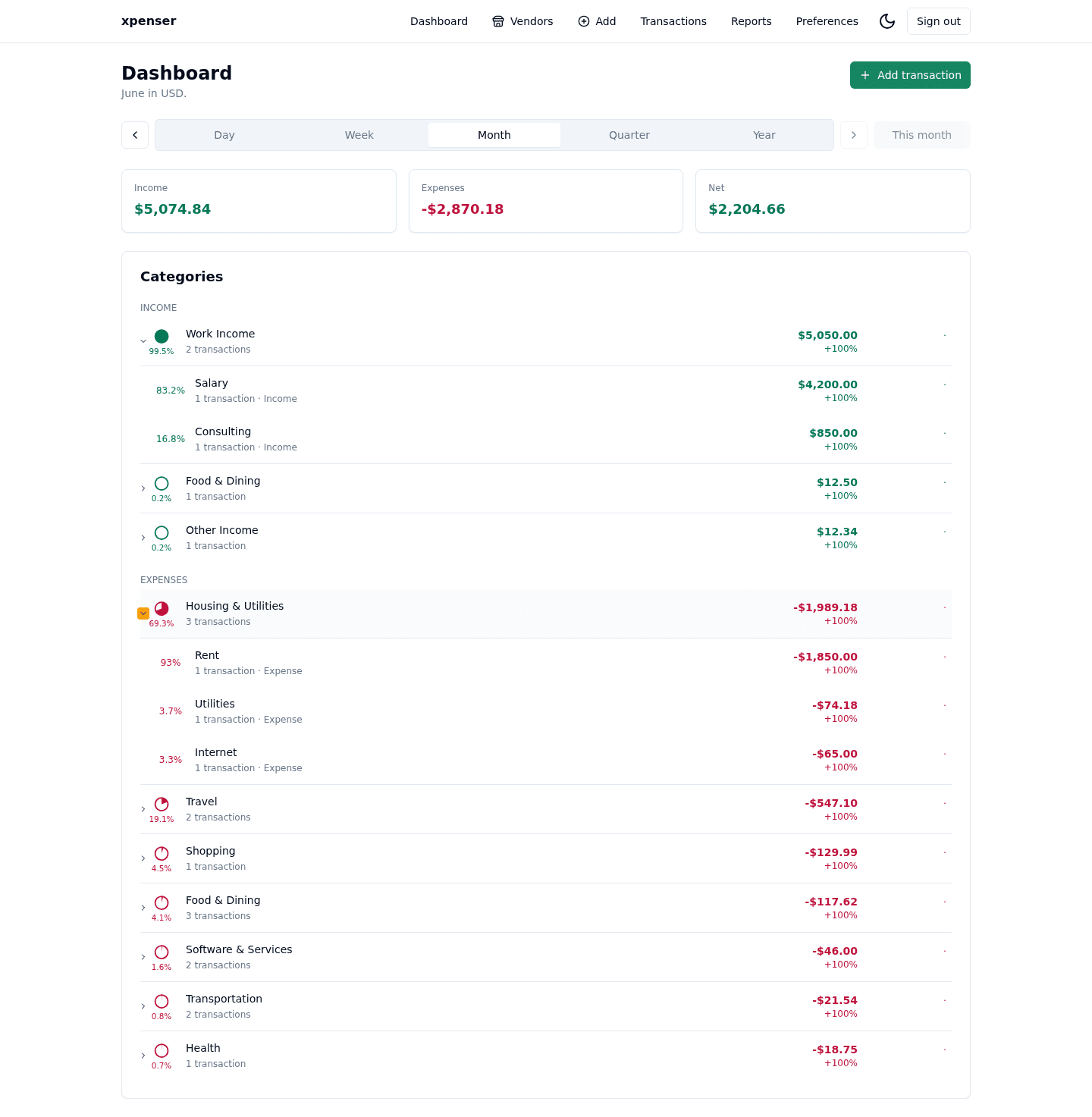
Mobile report navigation became more forgiving by handling swipe gestures in empty areas.
This release came from PR #39 and is now part of the xpenser release archive. It gives people evaluating an open-source expense tracker a clearer view of how the product has improved over time.
What changed
- Fixed report swipe handling around empty layout regions.
- Improved mobile period navigation behavior.
- Protected the interaction with focused regression coverage.
Why it matters
Touch interactions should not depend on hitting only dense content. Better swipe behavior makes report review smoother on phones.
Where it fits
This improves mobile expense analysis for users who review xpenser reports away from a desktop.
For a broader product overview, start with the xpenser home page. Developers can also explore the personal finance API and MCP tools, while self-hosters can review the self-hosted personal finance tracker page.