
Single-user mode for self-hosted xpenser
xpenser added an opt-in single-user self-hosted mode that skips account creation while keeping API and MCP access authenticated.
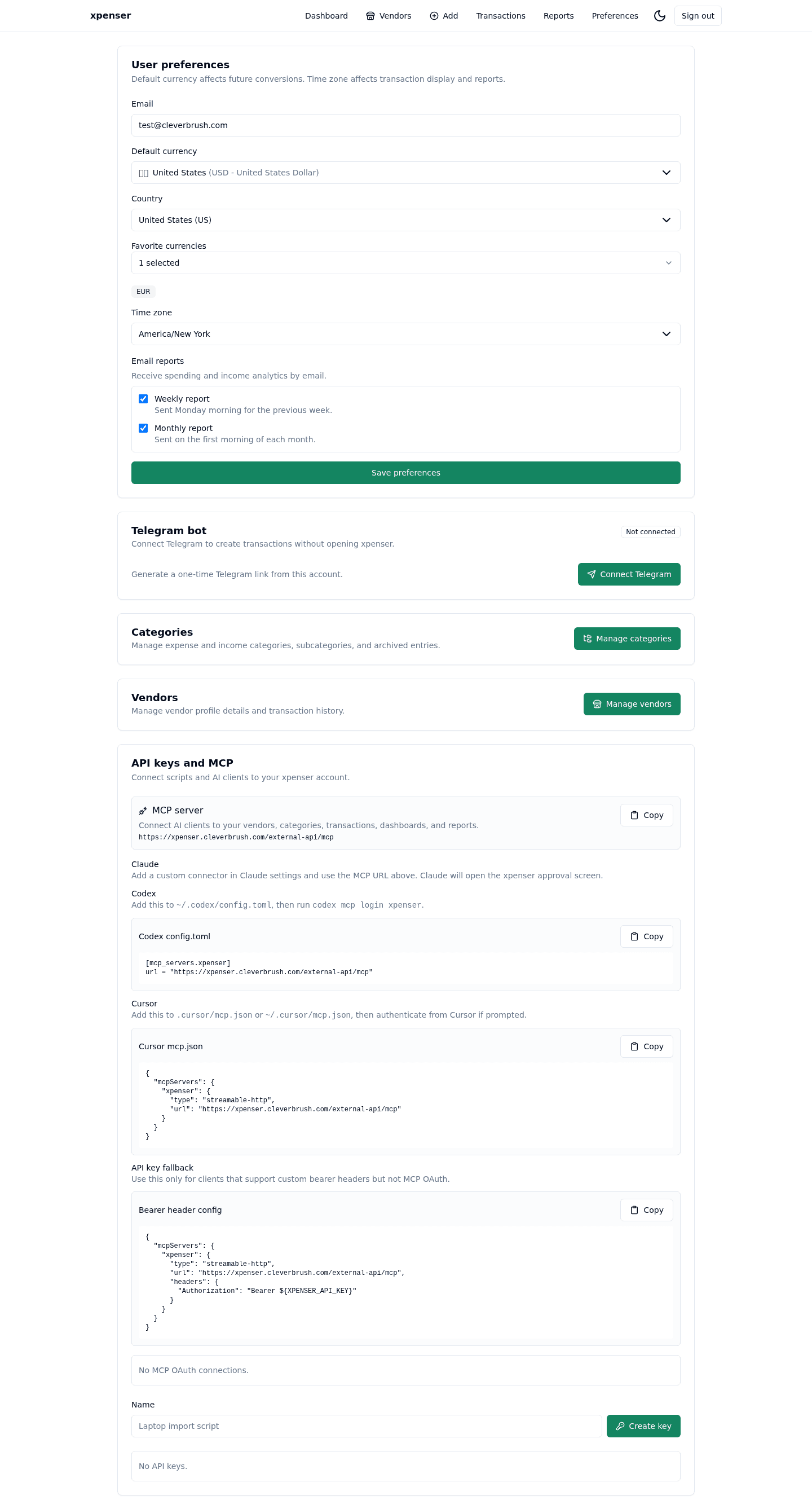
Self-hosted users can now run xpenser as a one-person app without seeing account creation as the first step.
This release came from PR #56 and is now part of the xpenser release archive. It gives people evaluating an open-source expense tracker a clearer view of how the product has improved over time.
What changed
- Added XPENSER_SINGLE_USER_MODE and owner email configuration.
- Disabled public account auth paths when single-user mode is enabled.
- Kept public API, API keys, and MCP credentials restricted to the configured user.
Why it matters
For a private install, forcing account creation can feel unnecessary. Single-user mode gives self-hosters a simpler experience without making the API unauthenticated.
Where it fits
This is a major improvement for people running xpenser as a personal self-hosted finance tracker.
For a broader product overview, start with the xpenser home page. Developers can also explore the personal finance API and MCP tools, while self-hosters can review the self-hosted personal finance tracker page.