
Browser image scanner for transactions
xpenser added a browser transaction image scanner so users can extract expense details from receipt-like images in the web app.
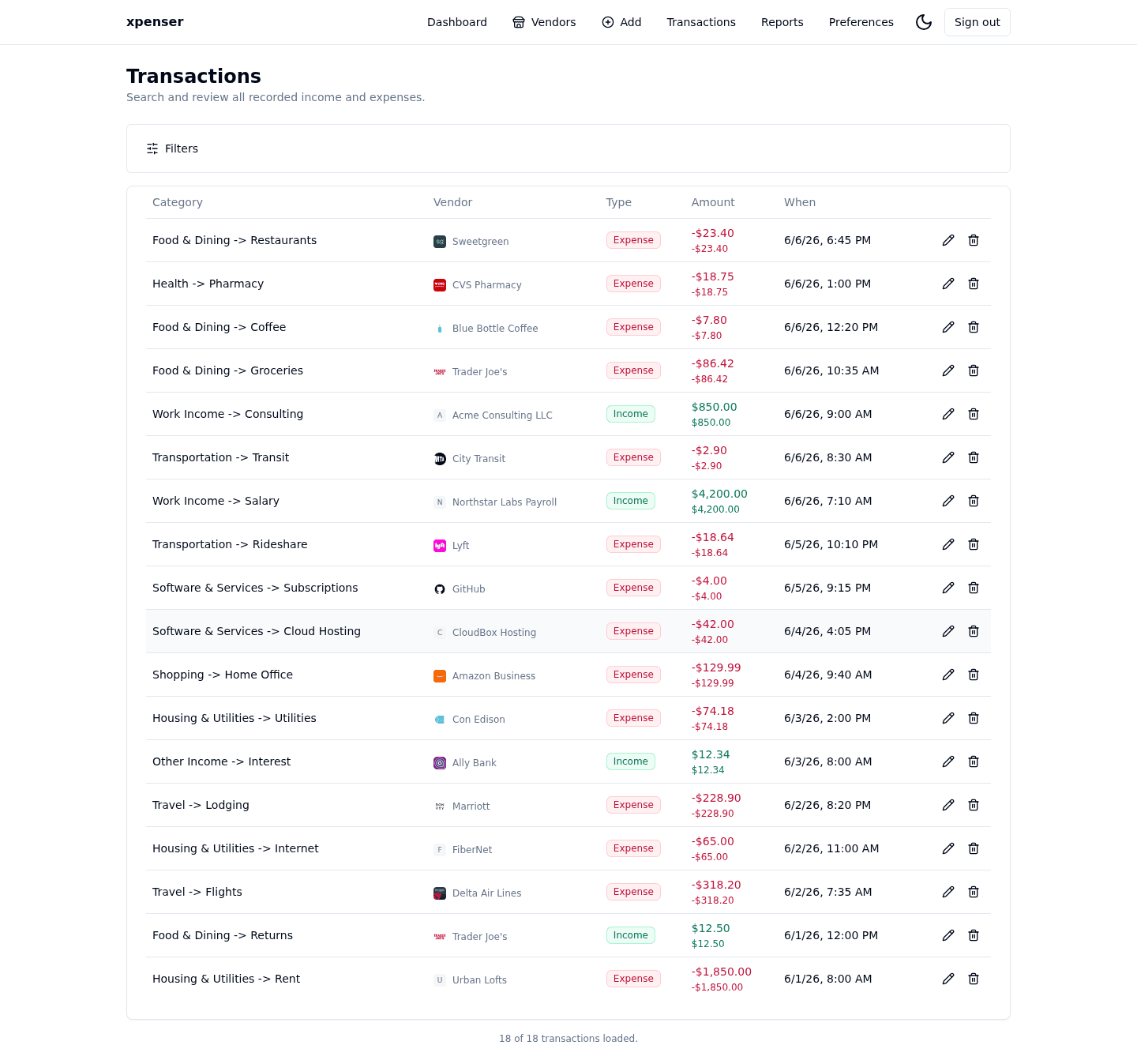
The web app gained image-based transaction scanning for turning receipt screenshots or photos into draft expense data.
This release came from PR #24 and is now part of the xpenser release archive. It gives people evaluating an open-source expense tracker a clearer view of how the product has improved over time.
What changed
- Added browser UI for transaction image uploads.
- Connected image scanning to transaction creation workflows.
- Prepared progress handling for longer-running scan jobs.
Why it matters
Manual entry is still useful, but image scanning can remove repetitive typing from receipt capture.
Where it fits
This complements mobile capture and Telegram invoice scanning as another way to get expense data into xpenser.
For a broader product overview, start with the xpenser home page. Developers can also explore the personal finance API and MCP tools, while self-hosters can review the self-hosted personal finance tracker page.