
Cleaner transaction edit selectors
xpenser improved transaction edit selectors so type, category, and currency choices stay aligned when users update existing records.
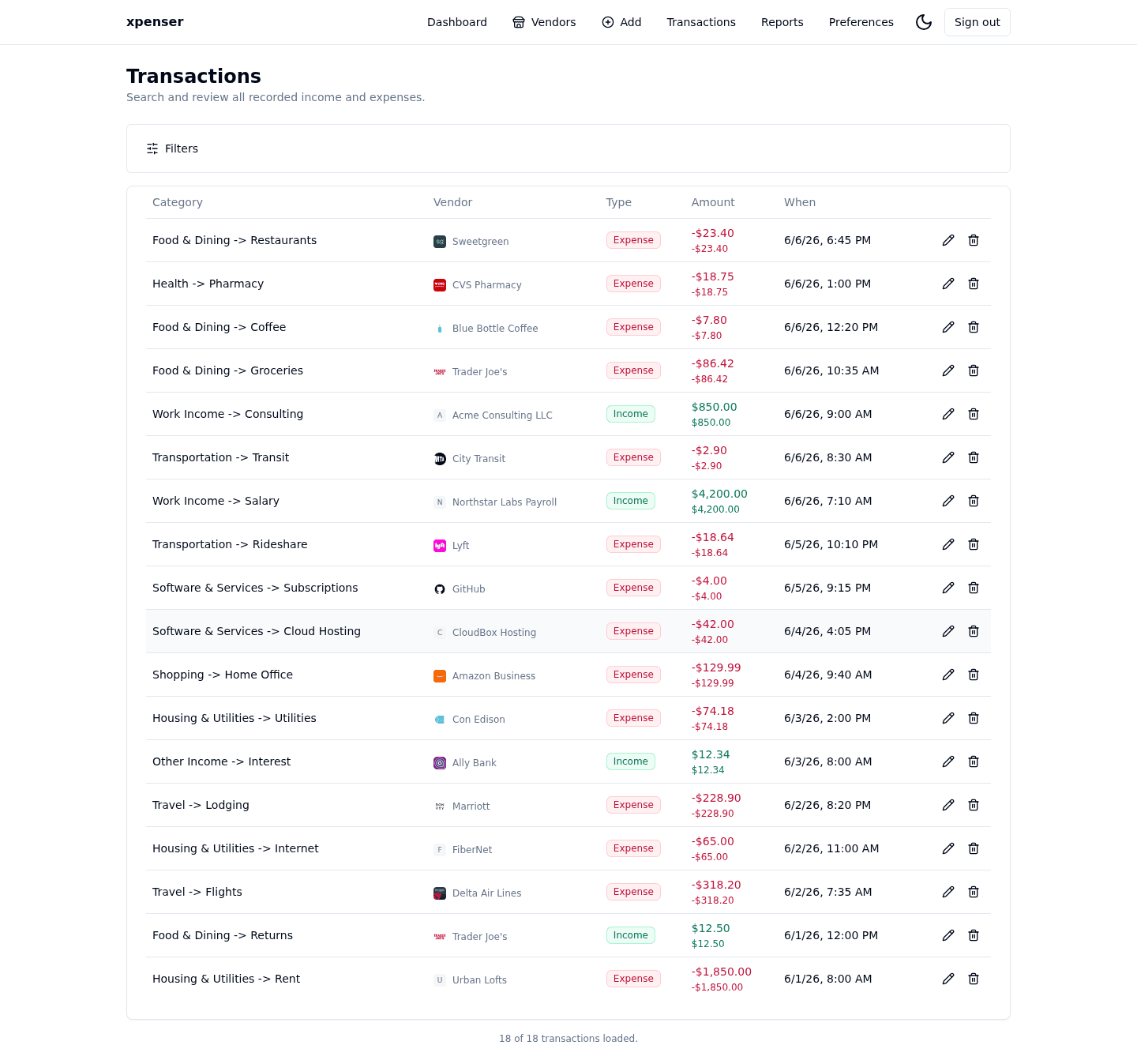
Editing an existing transaction should feel as predictable as adding a new one. This release tightened the selector behavior in that flow.
This release came from PR #3 and is now part of the xpenser release archive. It gives people evaluating an open-source expense tracker a clearer view of how the product has improved over time.
What changed
- Added a preselected type selector for add and edit dialogs.
- Filtered category options by the selected transaction type.
- Reused add-transaction currency behavior for transaction edits.
Why it matters
Small selector mismatches can create bad accounting data. Keeping edit forms aligned with add forms reduces friction and helps users correct transactions without introducing inconsistent type/category combinations.
Where it fits
This sits directly in the transactions workflow and helps xpenser stay dependable as a self-hosted expense tracking app.
For a broader product overview, start with the xpenser home page. Developers can also explore the personal finance API and MCP tools, while self-hosters can review the self-hosted personal finance tracker page.