
Form renderer variants for xpenser UI
xpenser added form renderer variants to support richer finance app screens while keeping repeated form behavior consistent.
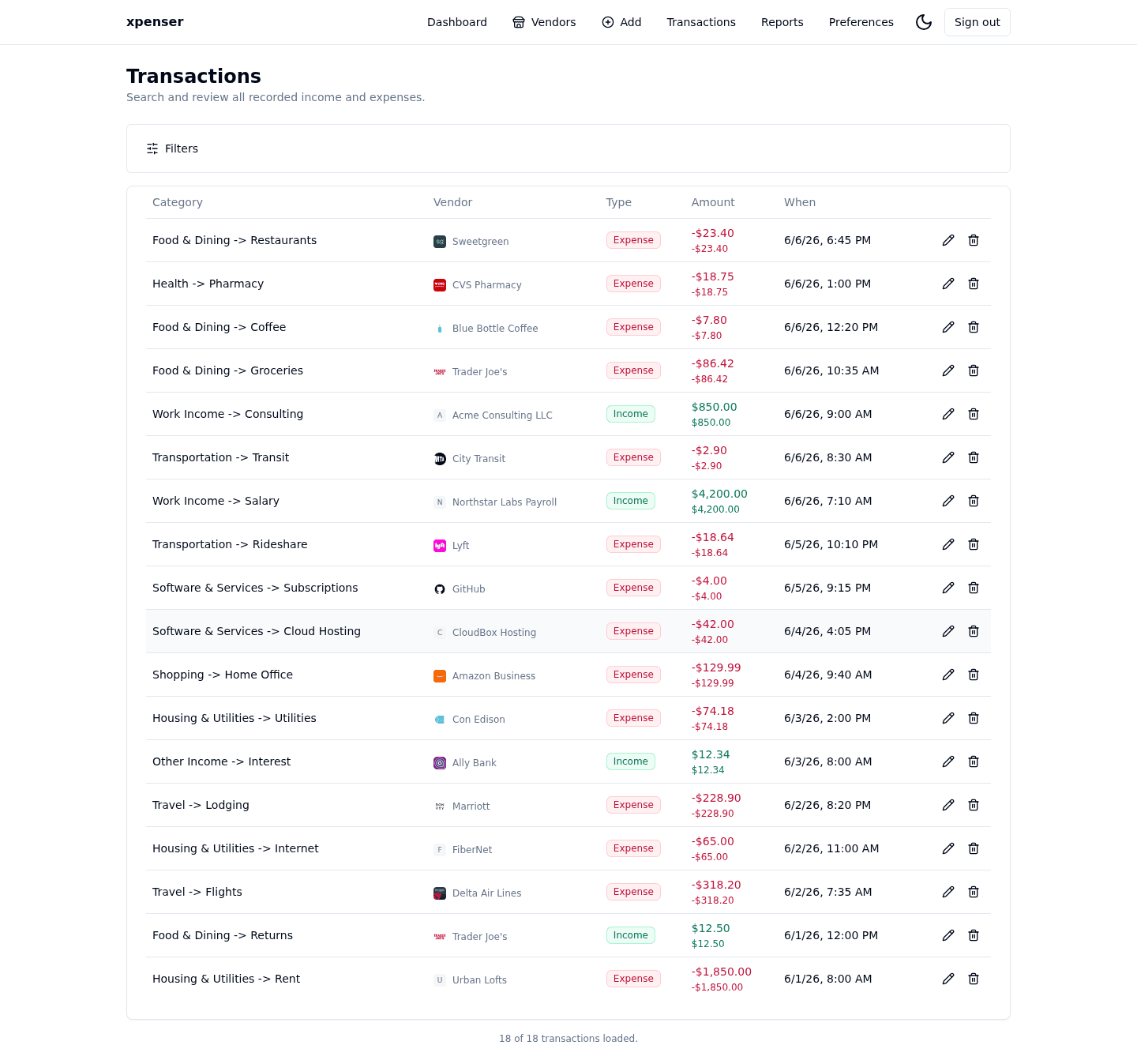
The UI form foundation gained variants so different xpenser workflows can share behavior without looking identical.
This release came from PR #20 and is now part of the xpenser release archive. It gives people evaluating an open-source expense tracker a clearer view of how the product has improved over time.
What changed
- Added renderer variation support for form-driven screens.
- Kept shared field behavior centralized.
- Prepared the UI for richer settings and transaction workflows.
Why it matters
Personal finance apps have many forms: transactions, preferences, reports, authentication, and API settings. Variants keep those flows consistent without forcing one layout everywhere.
Where it fits
This internal UI work supports later product surfaces such as preferences, report settings, and transaction editing.
For a broader product overview, start with the xpenser home page. Developers can also explore the personal finance API and MCP tools, while self-hosters can review the self-hosted personal finance tracker page.