
Hide amounts mode for finance privacy
xpenser added a Hide amounts mode that masks exact money values while keeping percentages and relative report context visible.
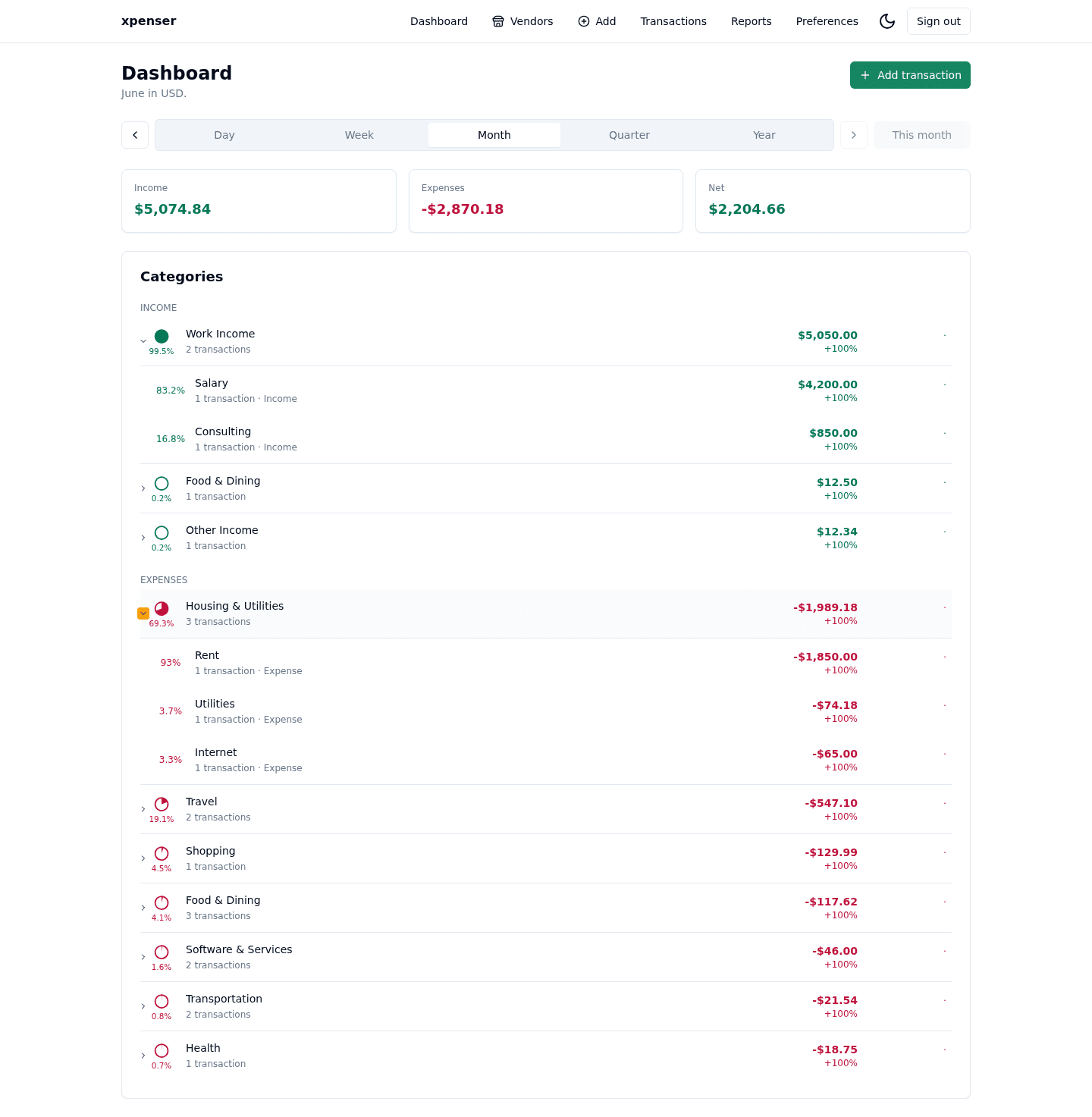
xpenser now has a Hide amounts mode for reviewing finance screens without exposing exact balances and totals.
The mode is available from the View settings menu. When it is enabled, exact currency values are replaced with ****, while percentages, counts, trends, and shares remain visible.
What changed
- Added a persistent Hide amounts toggle to view settings.
- Masked dashboard, vendor, report, transaction, tooltip, and chart-axis currency values.
- Kept percentages visible so users can still discuss structure, direction, and relative changes.
Why it matters
Personal finance apps are often used in shared spaces: screen shares, meetings, coworking areas, or support sessions. Users may want to show a workflow without showing exact income, expenses, or net amounts.
Percentages stay visible because they answer a different question. A user can still see that groceries are 18% of spending or that a category changed by 12% without revealing the underlying amount.
Where it fits
This gives xpenser users a privacy-first display option across the main finance review surfaces.
For a broader product overview, start with the xpenser home page. Developers can also explore the personal finance API and MCP tools, while self-hosters can review the self-hosted personal finance tracker page.