
Tag report transaction drilldowns
xpenser tag reports now link each tag directly to the filtered transactions behind that tag for the selected reporting period.
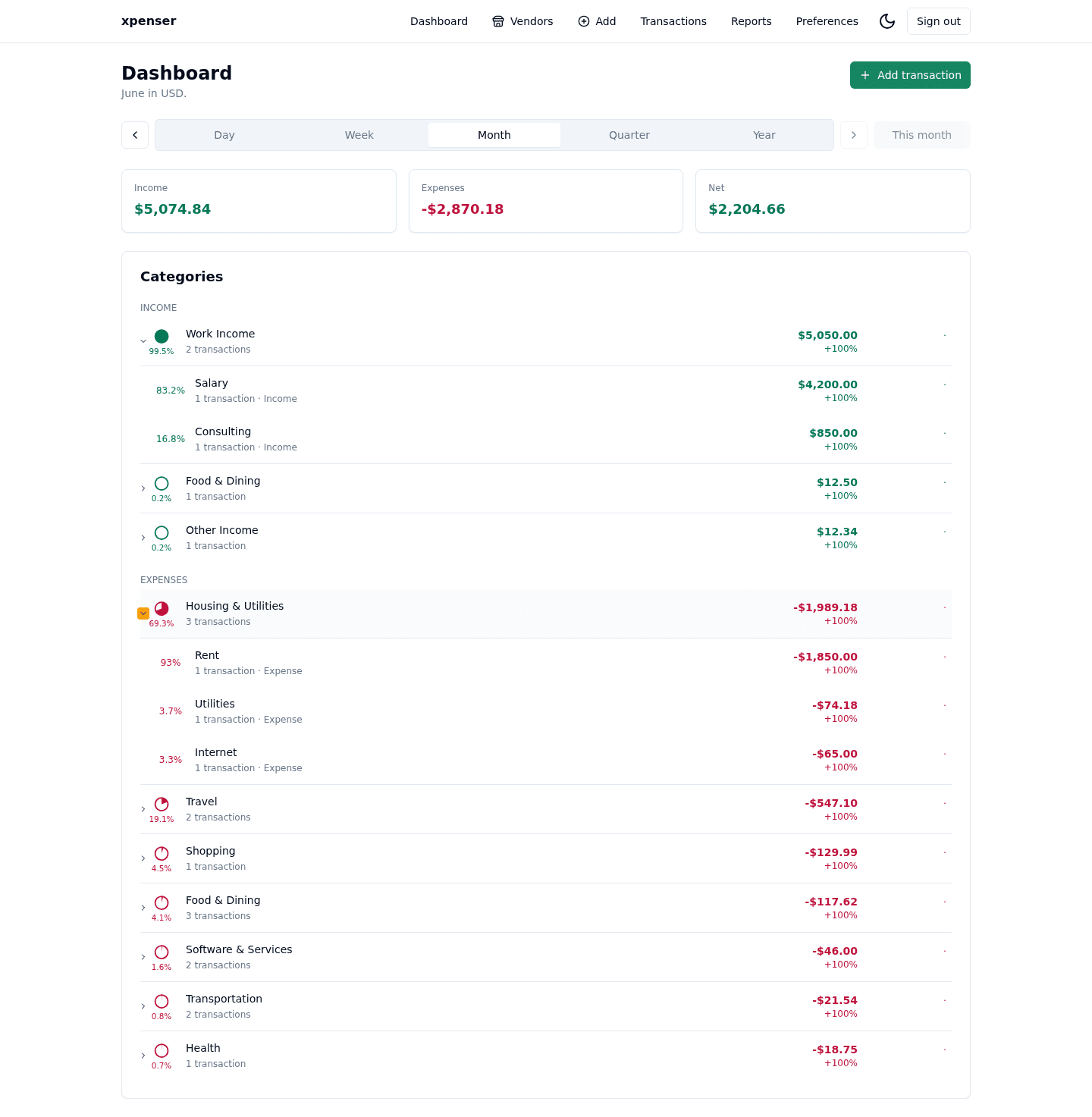
xpenser tag reports now make every tag row actionable.
Each tag in the distribution report includes a transaction drilldown for the selected period. The same behavior works for regular tags and the untagged bucket.
What changed
- Added a transaction action to each tag row in the Tags report.
- Preserved the selected reporting period when opening the transaction list.
- Applied the correct tag or untagged filter automatically.
Why it matters
Tags are useful because they cut across categories and vendors. A trip, project, reimbursement, or tax label is easier to audit when the report can open the exact transactions behind it.
This also keeps reports explainable. Users can move from tag totals to the underlying rows without manually rebuilding filters.
Where it fits
This extends the transaction tag workflow introduced for xpenser and makes tag reports a stronger review surface for personal finance organization.
For a broader product overview, start with the xpenser home page. Developers can also explore the personal finance API and MCP tools, while self-hosters can review the self-hosted personal finance tracker page.