
More reliable receipt image uploads
Xpenser sends receipt and avatar images as file uploads, with clearer upload errors and safer retries when finishing scanned transactions.
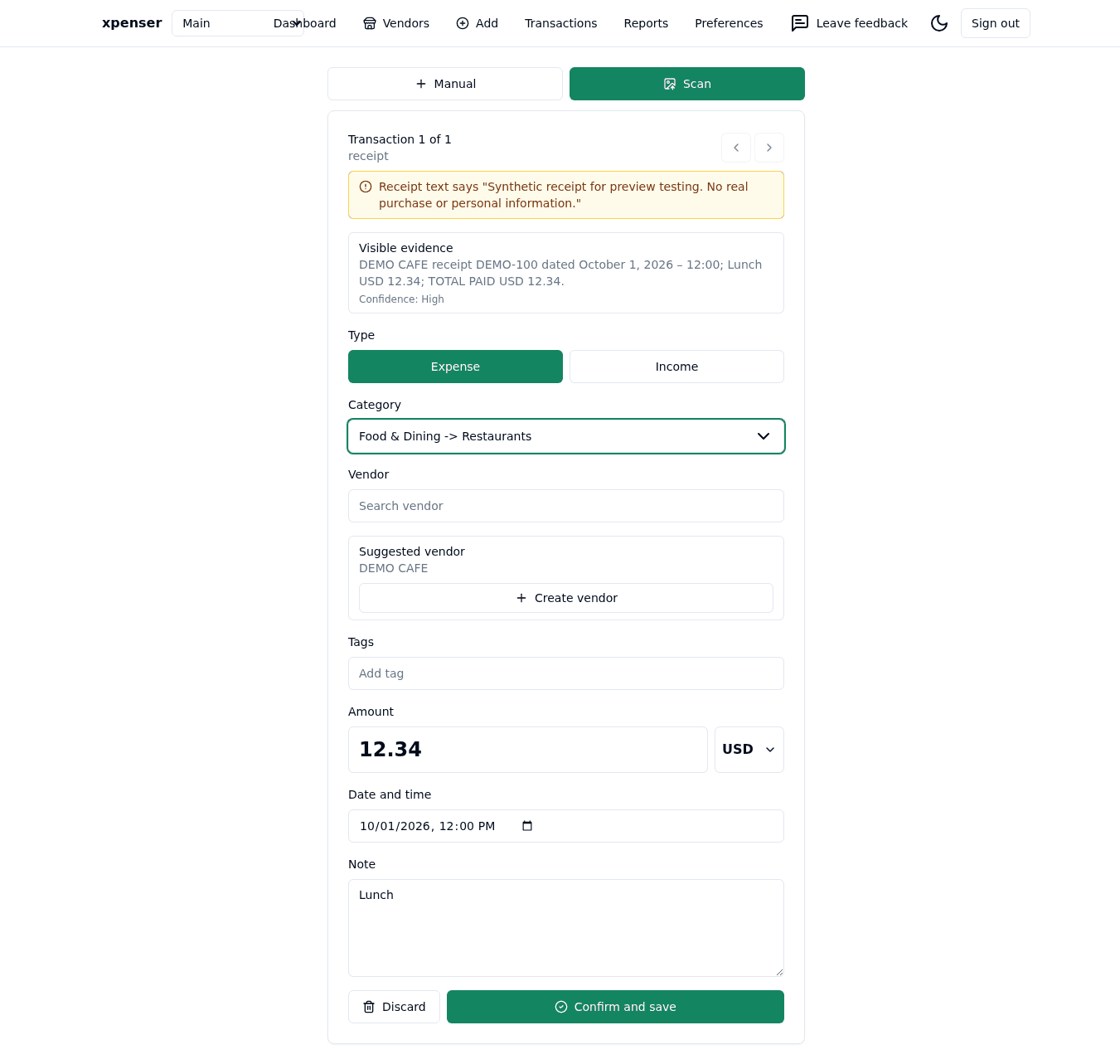
Receipt image uploads now use a file-upload contract between Xpenser's web app, Telegram bot, and API. Avatar uploads use the same approach. The screens remain familiar: choose an image, review the scan, and decide what to save.
Safer retries when finishing a scan
Saving a scanned transaction and attaching its original image are separate steps. If an attachment or confirmation request fails after the transaction was created, the active review session remembers that transaction. Retrying the remaining step does not intentionally create it again. Telegram now follows this pattern too.
The API checks that the attachment matches the image originally scanned and stores it once per scan, even when the image upload is retried. Nothing automatically confirms a draft or saves a financial transaction without your review.
Clearer upload boundaries
PNG, JPEG, and WebP remain supported. Receipts can be up to 10 MiB and avatars up to 512 KiB. Invalid upload fields and oversized images return structured errors that the web app can show alongside the relevant control.
Keep the review page open while finishing a scan. This update does not restore review state after a browser refresh or a Telegram bot restart, and cannot prove whether an interrupted transaction-creation request succeeded.
For a self-hosted expense tracker, the existing PostgreSQL storage remains in use; no object-storage service is required. API integrations should adopt multipart uploads when upgrading. Learn more about Xpenser's open-source expense tracking.
Implementation details and validation are recorded in pull request #101.