
Dashboard totals now link to transaction filters
xpenser dashboard income and expense totals now link directly to filtered transactions for the selected reporting period.
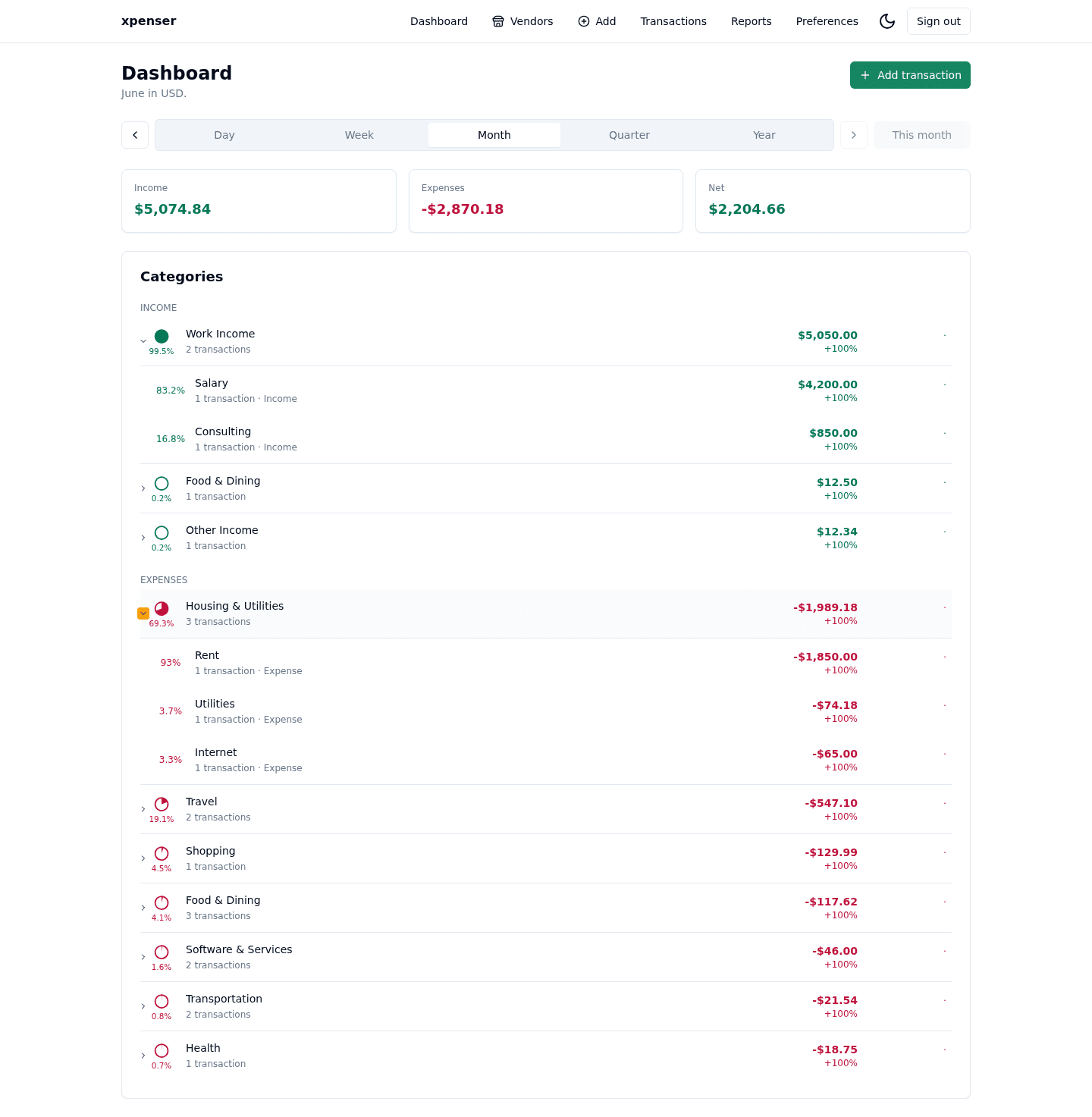
Dashboard totals became actionable: users can jump from a summary number to the transactions behind it.
This release came from PR #9 and is now part of the xpenser release archive. It gives people evaluating an open-source expense tracker a clearer view of how the product has improved over time.
What changed
- Linked income and expense aggregate cards to filtered transaction views.
- Kept net as a non-clickable summary value.
- Added e2e coverage for aggregate links and filtered transaction results.
Why it matters
Finance dashboards are more useful when summaries are traceable. This release helps users audit why a total changed without rebuilding filters manually.
Where it fits
The work connects the dashboard and transactions page into a tighter expense tracking workflow.
For a broader product overview, start with the xpenser home page. Developers can also explore the personal finance API and MCP tools, while self-hosters can review the self-hosted personal finance tracker page.