
Transaction CSV export with currency columns
xpenser added transaction CSV export with selectable currency columns and historical conversion for each exported transaction.
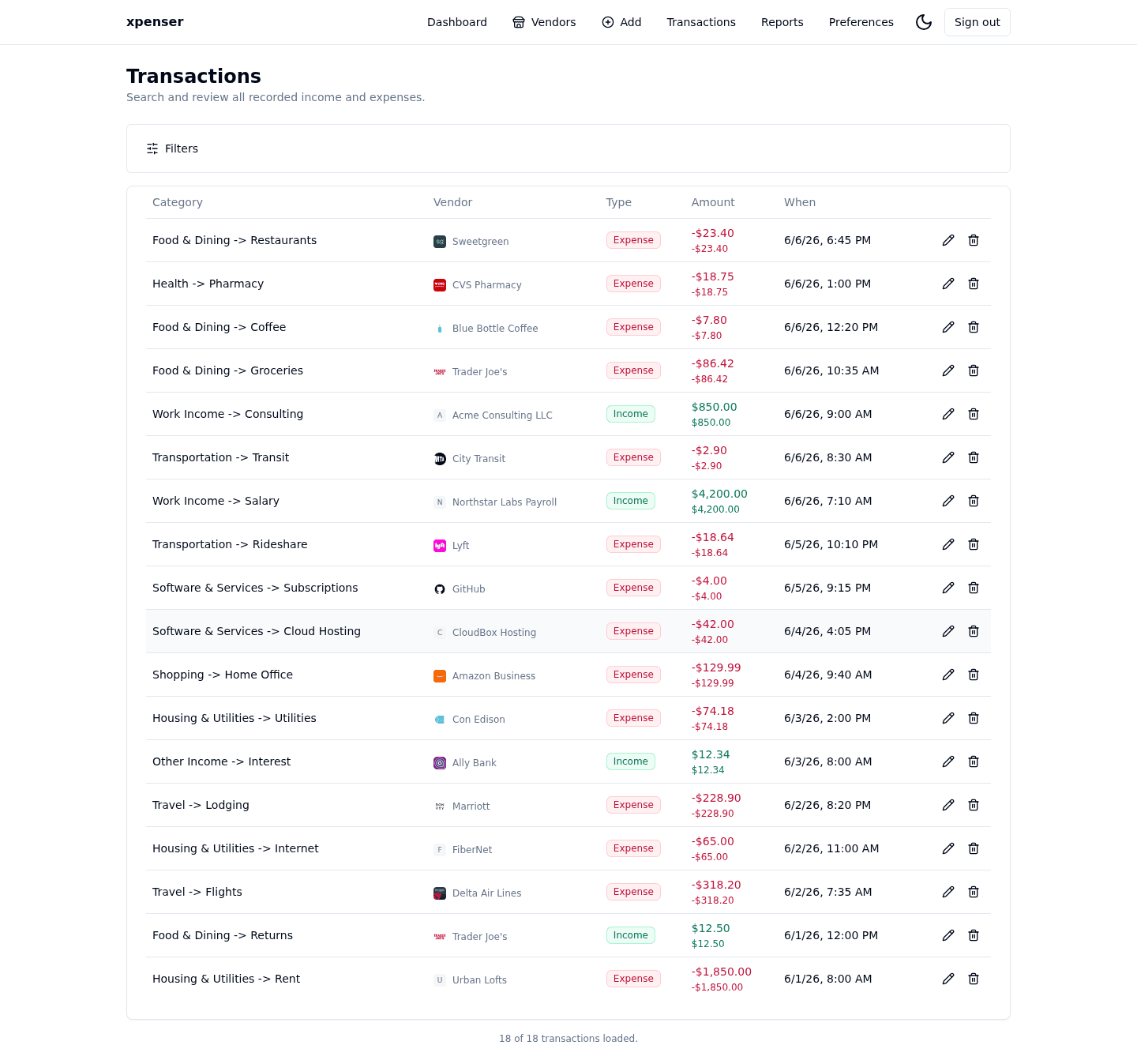
xpenser can now export the transactions behind the current view as a CSV file.
The export action lives in the View settings menu and asks which currency columns to include. It starts with the active display currency selected, then lets users choose from the budget default currency and budget favorite currencies.
What changed
- Added CSV export for the current filtered transaction view.
- Included transaction metadata such as category, vendor, tags, notes, scan attachment fields, dates, and original amounts.
- Added one amount column per selected currency.
- Converted each transaction using the exchange rate for that transaction date.
Why it matters
Exports are most useful when they preserve context. A spreadsheet row should not make users reconstruct the category, vendor, tag, note, or exchange-rate details from another screen.
Historical conversion also matters for multi-currency finance tracking. The CSV should reflect the value on the day the transaction happened, not today's exchange rate.
Where it fits
This improves audit, accounting, and spreadsheet workflows for xpenser users who want their open-source expense tracker data outside the app.
For a broader product overview, start with the xpenser home page. Developers can also explore the personal finance API and MCP tools, while self-hosters can review the self-hosted personal finance tracker page.