
Dashboard and vendor view controls
xpenser added dashboard and vendor view controls for expand/collapse actions and display-currency selection from one settings menu.
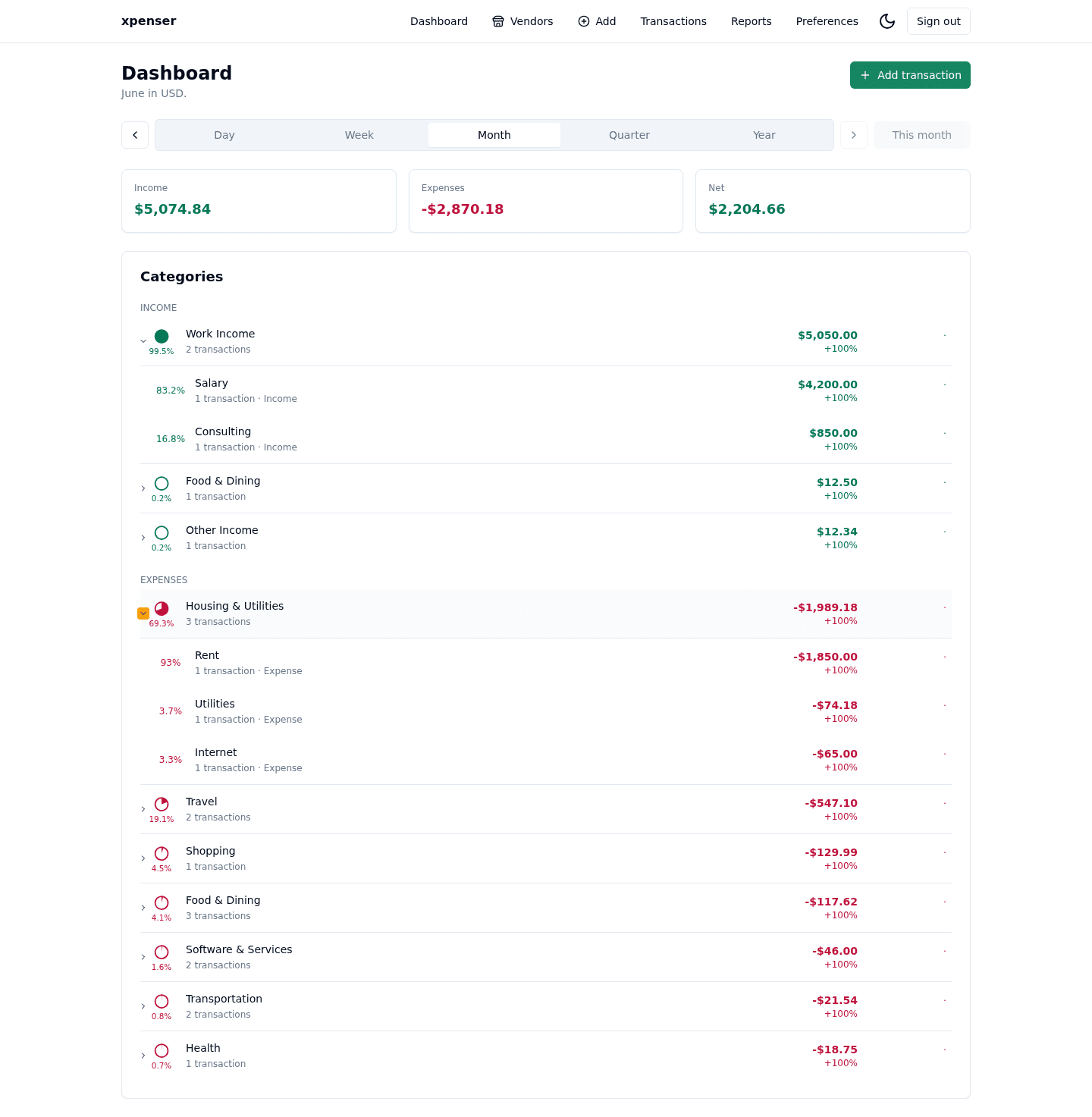
Dashboard and vendor analytics gained a compact View settings menu for display options.
This release came from PR #58 and is now part of the xpenser release archive. It gives people evaluating an open-source expense tracker a clearer view of how the product has improved over time.
What changed
- Added dashboard currency query support and API-backed conversion.
- Moved Expand all and Collapse all into the View settings menu.
- Added a Display currency submenu with default and favorite currency choices.
Why it matters
View-level controls belong near the view they affect. Moving expansion and currency settings into one menu keeps dense finance screens easier to scan.
Where it fits
This improves multi-currency dashboard and vendor review for xpenser users.
For a broader product overview, start with the xpenser home page. Developers can also explore the personal finance API and MCP tools, while self-hosters can review the self-hosted personal finance tracker page.